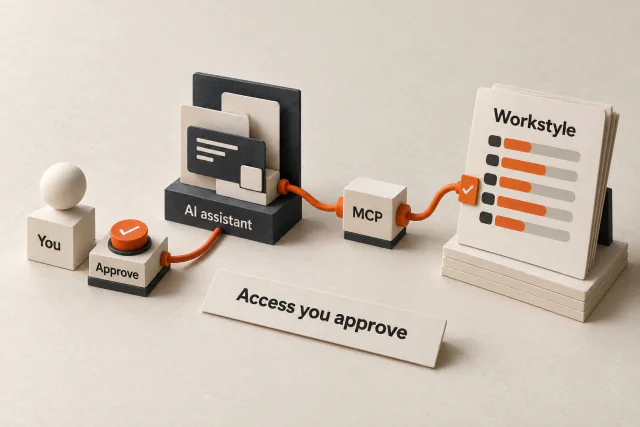
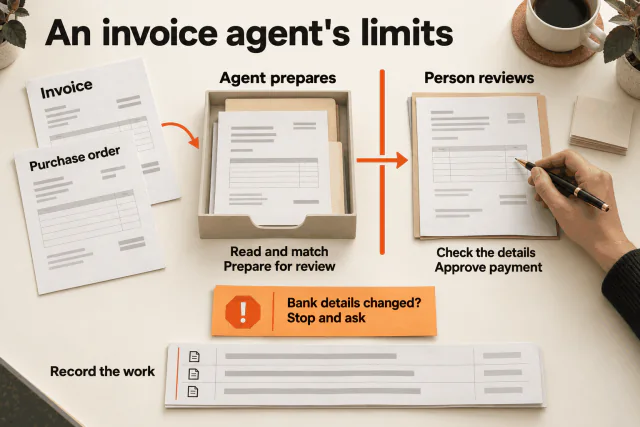
PHP2Shell and the security your business software needs
What the October 2026 PHP vulnerabilities mean for businesses, how AI changes cyber risk, and the security controls we build into Operator.
PHP2Shell is a pair of critical PHP vulnerabilities that can let an attacker run code on a vulnerable server without signing in. PHP released fixes on 21 October 2026. For a business, the first job is to find affected systems and get the fixes applied. The next is to ask how its software limits access, checks changes and recovers when something goes wrong. PHP Foundation release account.
Those are also questions we work through when building Operator, Four Labs’ system for running business workflows with AI, code and people.
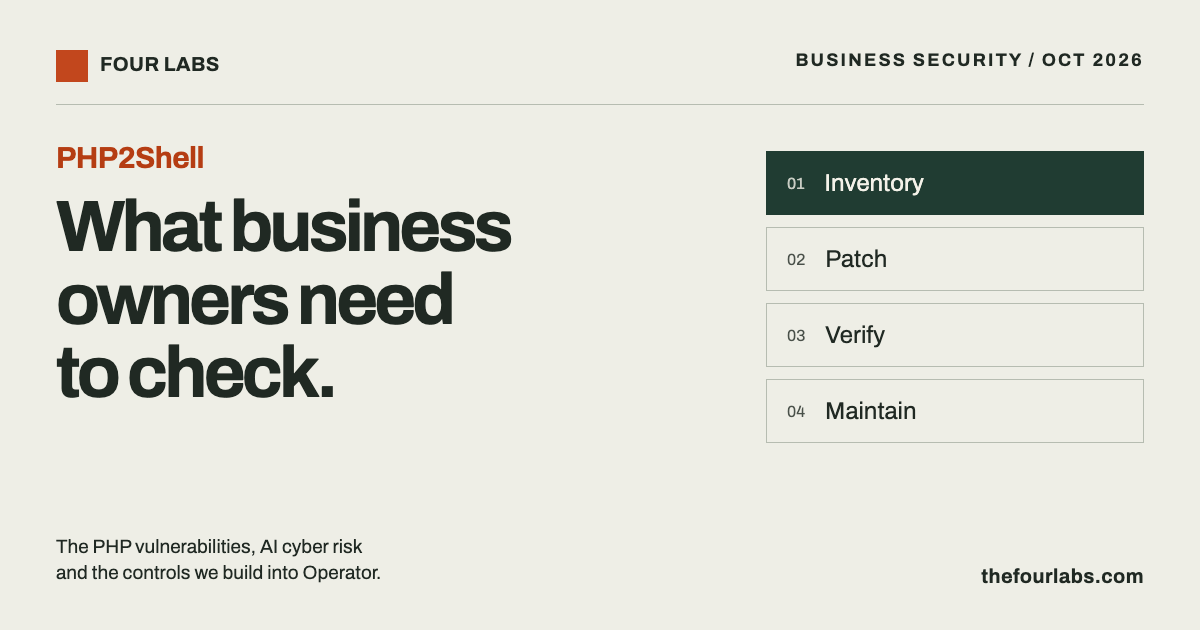
Who needs to act on PHP2Shell?
The two flaws are CVE-2026-109618 and CVE-2026-109619. CERT-EU lists both at a critical severity score of 9.2. They affect PHP installations serving web requests, including PHP-FPM and Apache with mod_php. The PHP team considers mod_php the highest-risk setup. Commercial products that embed PHP may also need updates, even when the business did not install PHP itself. CERT-EU advisory.
A company may depend on PHP through its website, customer portal or a supplier’s application. Ask the people who maintain each system to confirm its exposure. A familiar brand or a working login page does not answer that question.
On mod_php, researchers demonstrated an attack that could run before the application’s own code. A login check inside that application cannot protect a request that is compromised before it reaches the check. PHP Foundation technical explanation.
Which PHP versions contain the fixes?
These are the first fixed releases for the two original PHP2Shell vulnerabilities:
| PHP branch | First fixed release |
|---|---|
| 8.5 | 8.5.12 |
| 8.4 | 8.4.27 |
| 8.3 | 8.3.36 |
| 8.2 | 8.2.35 |
Use the current supported update for your branch. Distribution and long-term-support vendors may backport fixes, so ask for the vendor’s advisory as well as the version number. PHP 8.1 and older need a vendor-supported fix or an upgrade to a supported branch. PHP’s update instructions.
There is a follow-up to check. On 23 October, PHP reported CVE-2026-115560, an additional risk involving an unusual combination of session configuration and application code. PHP recommends disabling session upload progress for that case until the next regular bugfix release. Have your maintainer review this even after applying the 21 October patches. PHP’s 23 October advisory.
If an affected public service cannot be patched promptly, CERT-EU recommends considering isolation from public networks until the fix is applied and verified. Temporary mitigations reduce particular attack paths; they do not fully fix the original flaws. CERT-EU response guidance.
AI raises the demands on business security
The UK National Cyber Security Centre assesses that AI will make parts of cyber intrusion faster and more effective. It also expects wider access to AI tools to give more actors access to those capabilities. Its assessment through 2027 includes vulnerability research, social engineering and exploit development. These are forecasts and assessments, not a claim that every attacker can compromise every system. NCSC assessment.
Defenders use the same progress. OpenAI reports that AI-assisted research contributed to finding a PHP flaw and that researchers, maintainers and security providers worked together on fixes and protections. The PHP Foundation also describes earlier audit work and human investigation. This was a joint effort across people and tools. OpenAI’s response account, PHP Foundation’s account.
Our view is that businesses need to budget for security as ongoing work. Someone must own software updates, review access when staff change roles, investigate suspicious activity and test recovery. Buying a new system does not finish those jobs.
How we build security into Operator
Operator helps a team turn requests into business actions. That makes permissions and verification part of the workflow itself.
In the current implementation, we use these controls:
| Control | What it does in Operator |
|---|---|
| Access tied to the person and company | The server checks company membership and dashboard access. Configured permissions limit the records, fields and actions a person can use. |
| Code checks proposed changes | Runtime tools validate inputs and permissions before writing records. Database values use parameterised queries. |
| Human-controlled approval fields | Fields designated for human decisions cannot be changed by the AI’s record-writing tools. The workflow must define which decisions need this protection. |
| Verification after a write | Record-writing tools read saved data back and compare it with the intended values before returning a successful receipt. |
| Separate checks for connected tools | External tool reads require configured resource permissions and target approval. A tool describing itself as “read only” is not enough. |
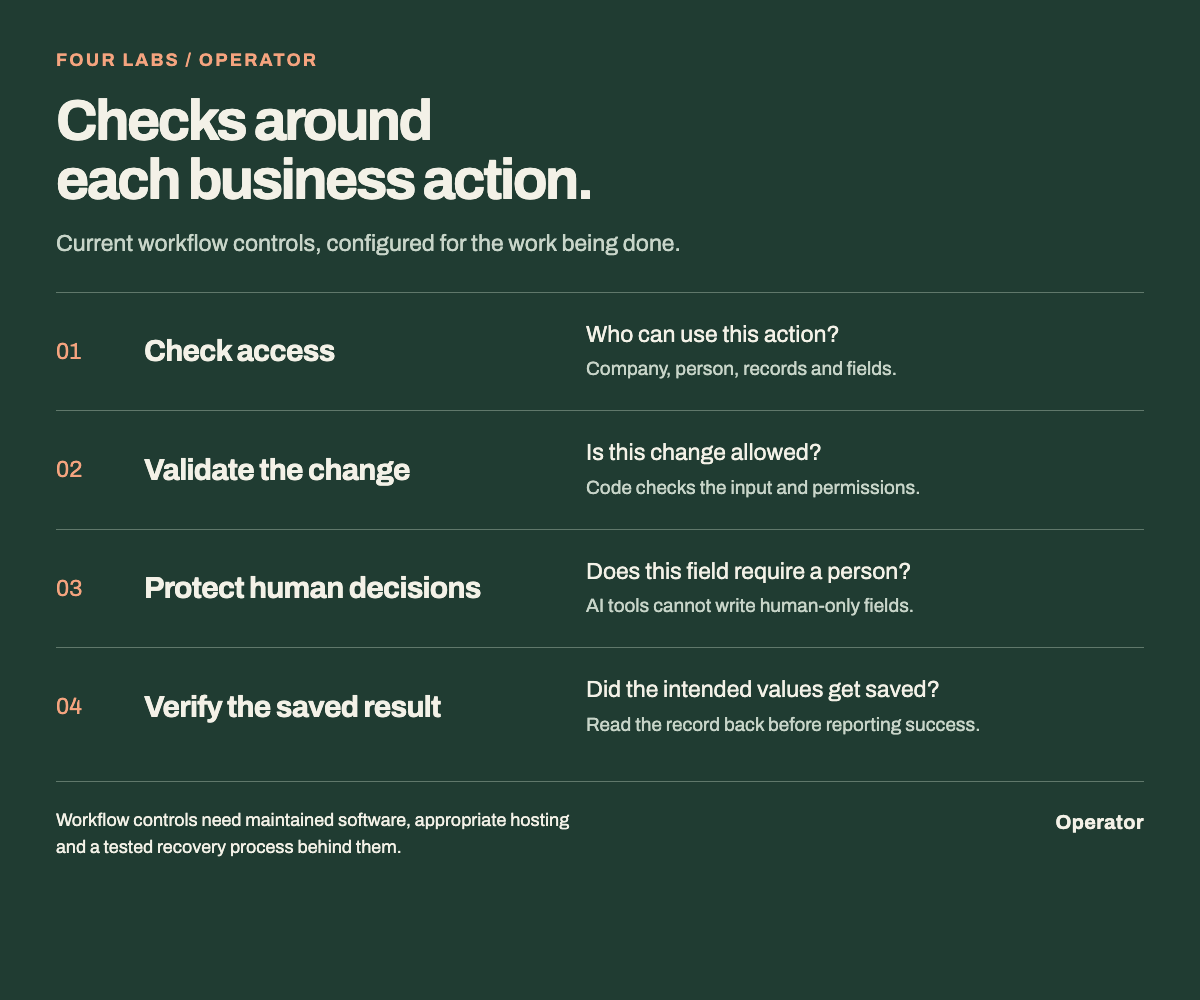
A simplified view of Operator’s current workflow controls. The table explains their scope.
For example, an AI may interpret a request to update a business record. The runtime still checks whether that action is allowed. If a field is reserved for a human decision, the AI tool cannot fill it in to make its own request look approved.
These controls address access and workflow risks. They do not fix a vulnerable server runtime, and reading a saved value back does not prove the original request was correct. Operator still needs maintained dependencies, appropriate hosting, carefully configured access and a tested recovery process. The exact setup depends on the business and its connected systems.
What should you ask your software provider?
Ask for evidence you can review:
- A list of affected systems, who maintains each one and the patch status.
- Confirmation that the updated software is running on the services handling real traffic.
- A demonstration of what an ordinary employee and an AI workflow can read or change.
- A demonstration of a rejected action and a decision that requires human approval.
- The latest restore-test result and who will respond if the service fails.
For an AI system, include a wrong or misleading request in that demonstration. Watch which checks stop it, what gets recorded and when a person is brought in. That gives your team something concrete to assess before expanding access.
Quick answers for business owners
| Question | Answer |
|---|---|
| Does a PHP-based website mean the business was breached? | No. Exposure and a confirmed breach are different. Your maintainer must assess the installation and investigate any signs of compromise. |
| Does a web application firewall replace the PHP update? | No. Use it as an additional layer. PHP says temporary mitigations do not fully fix the two original vulnerabilities. PHP advisory. |
| Will moving a workflow to Operator secure our existing website? | No. Your website and connected services each need their own assessment and maintenance. Operator’s permissions apply to the work and resources configured within Operator. |
Start with one workflow you need to control
If your team is considering AI for orders, timesheets, invoices or customer requests, bring us one workflow. We can map who should have access, which changes need a person’s decision and how the saved result should be checked.
Talk to Four Labs about Operator.
Sources checked on 24 October 2026. Security guidance can change; use the linked maintainer advisories for current instructions.
- Project
- Insights
- Section
- Business Security
- Written by
- The Four Labs
- Updated
- 24 Oct 2026